Iconography
Icons are design elements that help users quickly understand complex information or functionality.

Our icons convey a friendly and soft impression based on the morphological characteristics of our logo. Created with clear metaphors, intuitive and concise forms, and bold lines so anyone can easily understand them. These icons aim for a design that everyone can empathize with, considering global use.
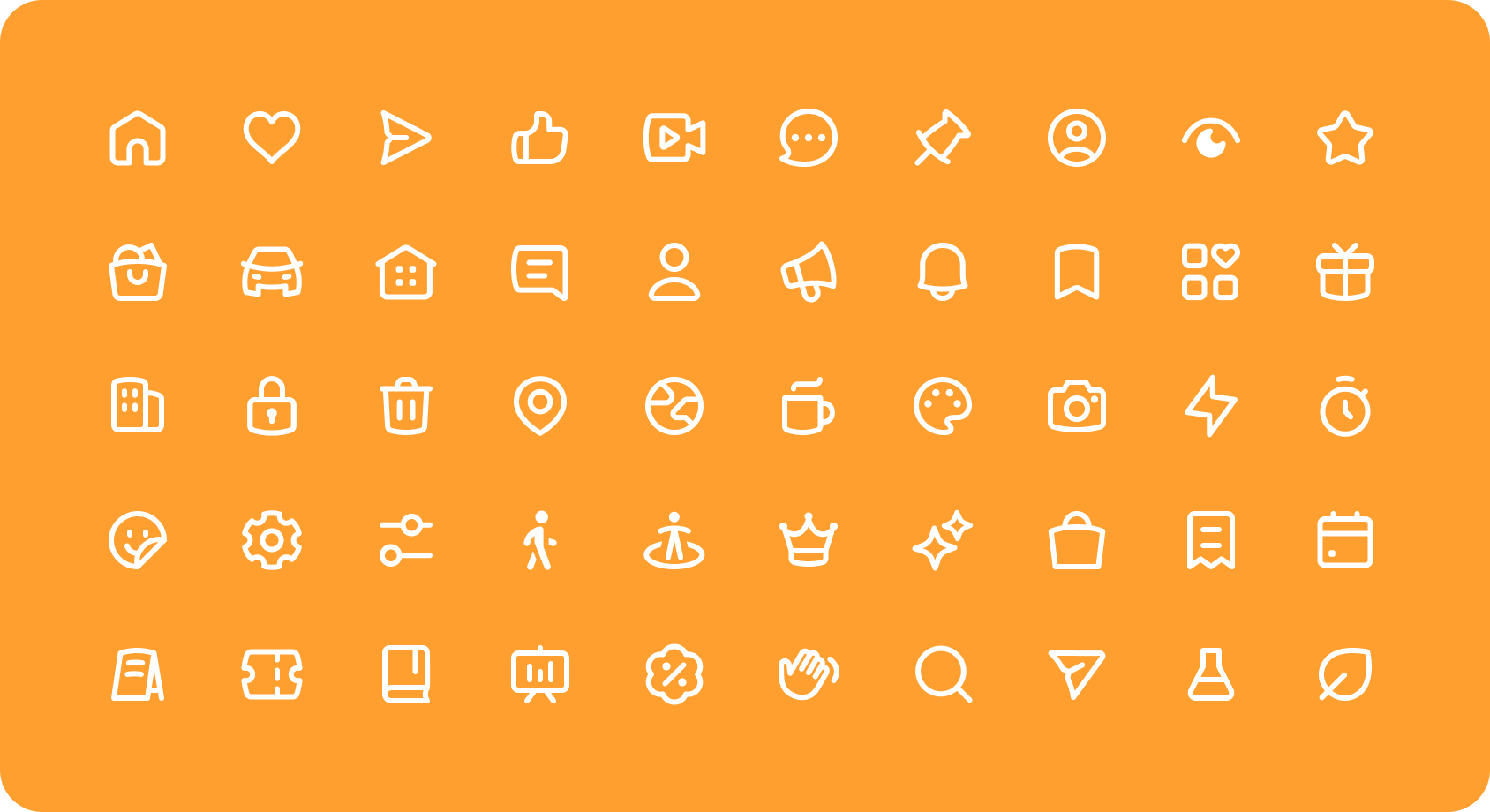
Categories
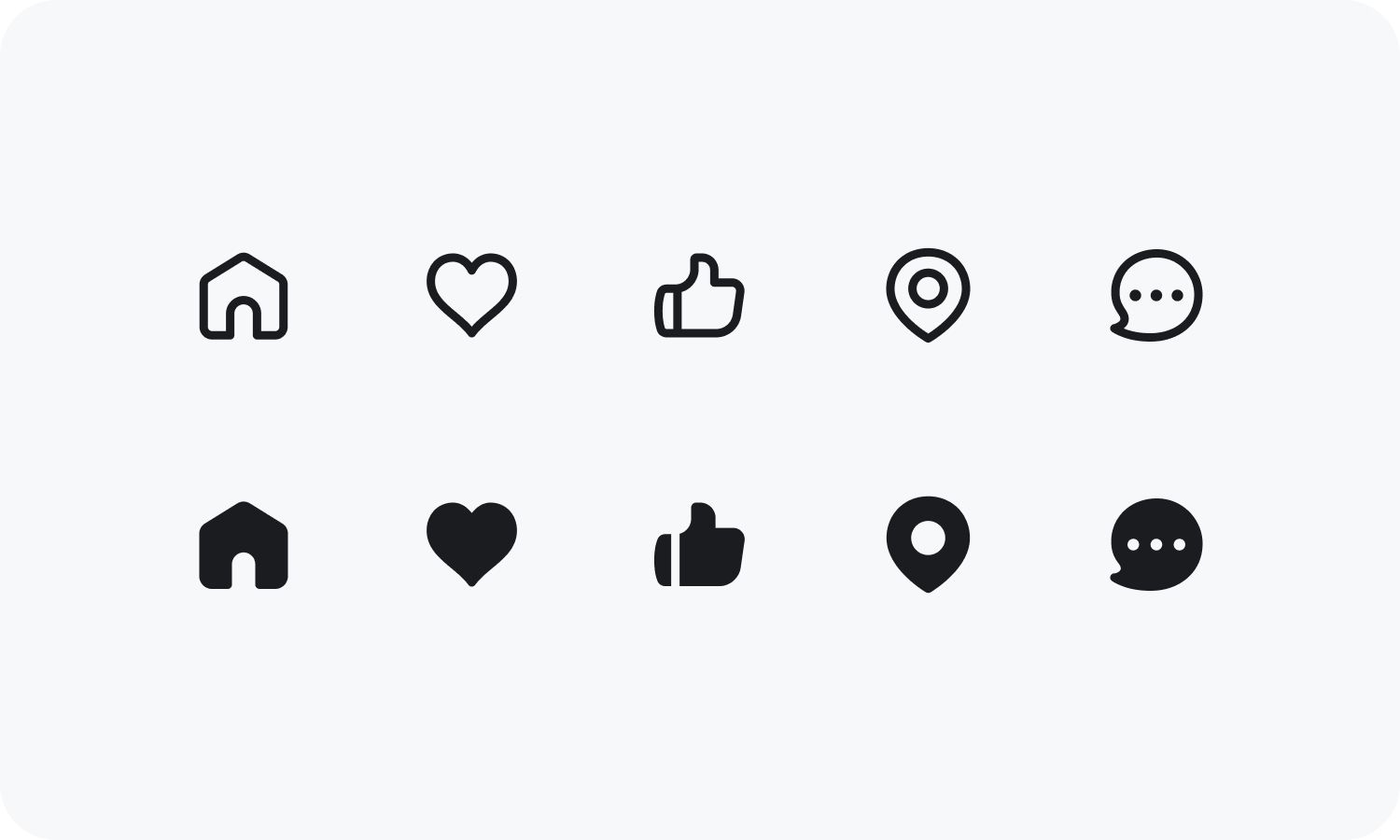

Naming Convention
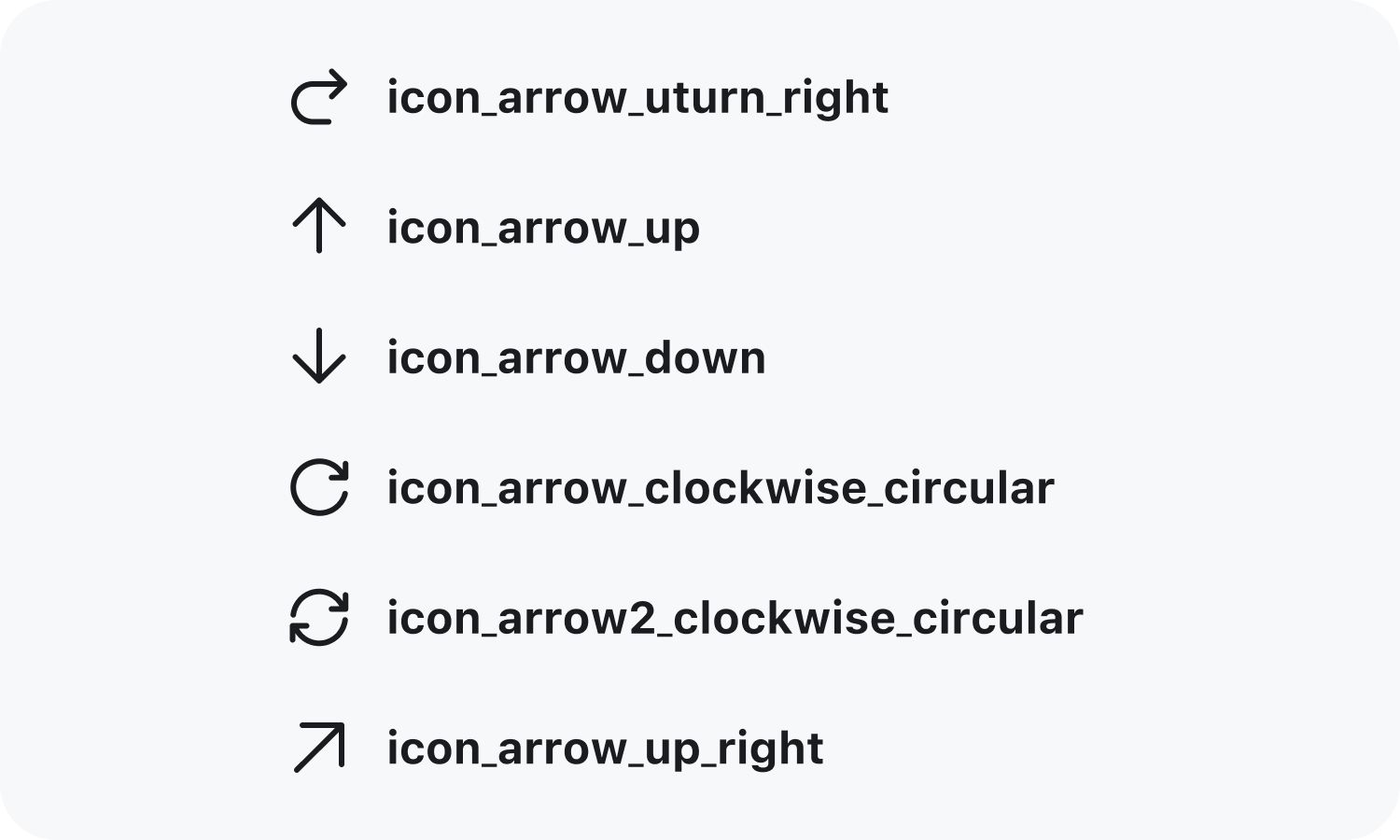

Creation Guide
We have about 300 monochrome and multicolor icons, and most icons needed for the UI are polished according to consistent style and form rules. We recommend using them within the currently created range if possible. Try to find and use appropriate icons from the icon library.
- Icon Library
- See Figma file
However, if new icon creation is needed, please follow the procedure below.
- Review whether the needed icon is a monochrome or multicolor icon.
- The product team selects an appropriate metaphor and sketches a draft.
- Request form review from the design core team. Refine according to the detailed guide.
- If the icon will be used publicly in the product, the design core team registers it in the icon library.