Motion
Motion enhances the expressiveness of the user interface and helps make it easy to use.
Macro / Micro Motion
Macro motion refers to large-scale motion such as overall layout changes or page transitions. Examples include page transitions, modal popups, and slide menus.
Micro motion refers to small-scale motion. Examples include button clicks, input field focus, and scrolling.
Micro motion has a duration of 0.2 seconds or less, while macro motion exceeds 0.2 seconds.
Among micro motions that respond to user input, the response to pressing actions is separately defined in Feedback.
Timing function
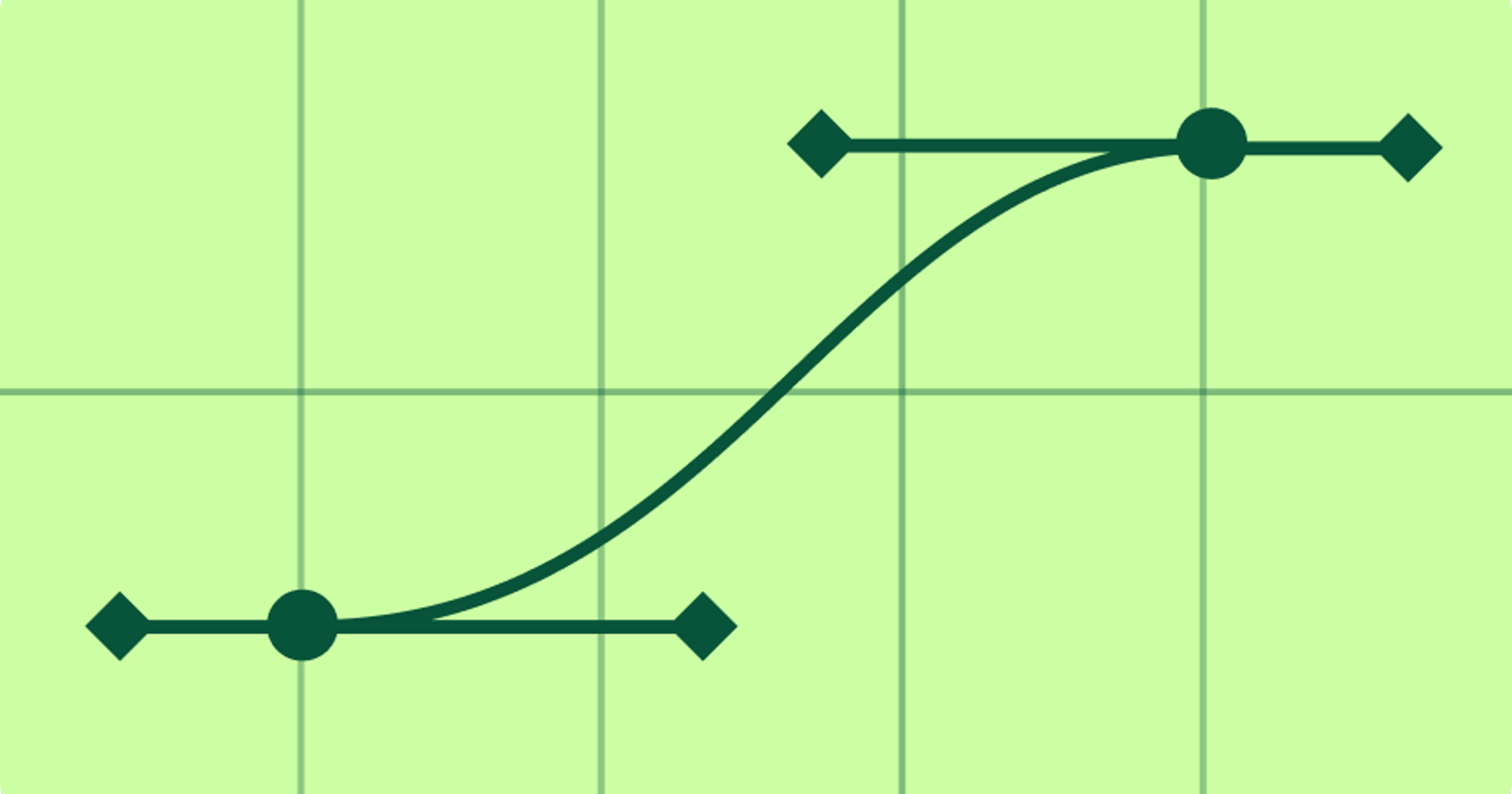
easing
Used for functional micro motions such as button clicks and input field focus.
enter
Used for macro motion when dialogs, sheets, and similar elements appear.
exit
Used for macro motion when dialogs, sheets, and similar elements disappear.
expressive
Used for movements that need special emphasis in enter and exit motions.
Timing Function Tokens
| Name | Value |
|---|---|